Are Upwork Connects worth it? How to measure your cost per interview
Are Upwork Connects worth it? Learn how to track your true cost per interview, avoid wasted Connects, and improve your ROI on Upwork job proposals.
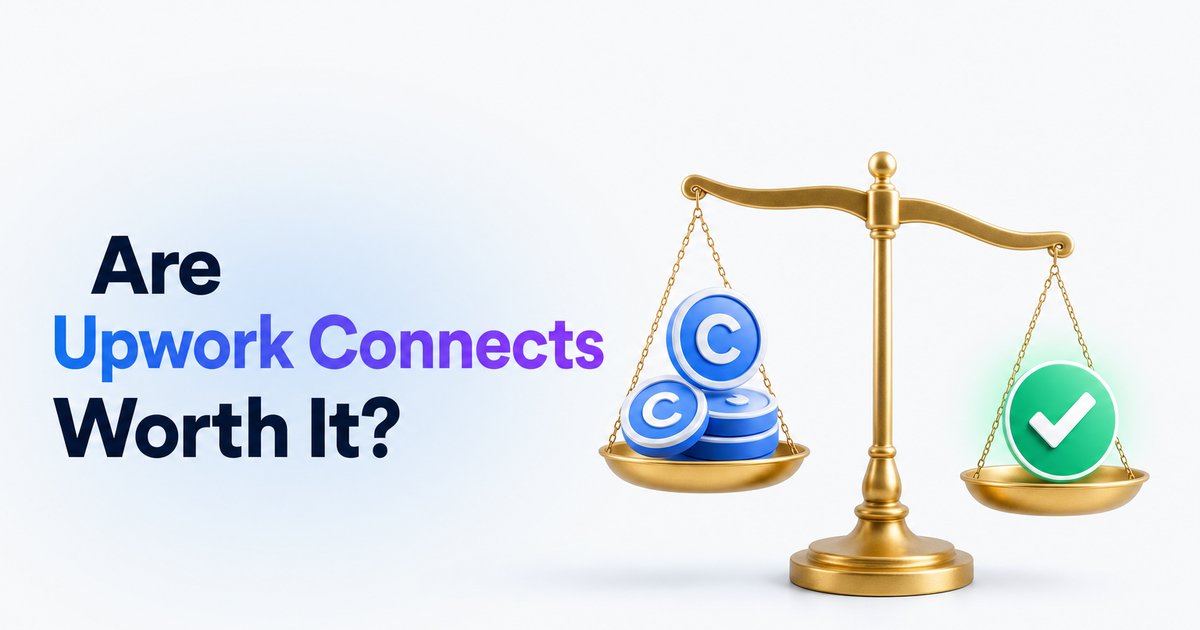
- →Upwork Connects can be worth it if you track your real cost per interview or hire.
- →Average cost per proposal is about $2.70, but your ROI depends on your win rate.
- →You'll waste Connects on unresponsive clients—target the right jobs and keep stats.
- →Refunds are rare; treat spent Connects as a business expense to monitor.
- →Using tools like WinOnUp helps automate Connects ROI tracking, but every freelancer should learn the method first.
Introduction
Are Upwork Connects worth it? Yes, but only if you treat them as a measured business expense—not just a pay-to-play tax. The real answer depends on how many Connects you spend per interview or hire, and whether the ROI justifies your cost. If you’re applying thoughtfully to jobs that fit your skills, tracking your win rate, and making adjustments, Connects can be a smart investment. If not, you might just be feeding the machine without results.
What do Upwork Connects really cost?
Each Connect costs $0.15, and you’ll use between 8 and 17 for most jobs—sometimes more for premium listings. That means every proposal averages out to about $2.70 (assuming 18 Connects, from recent data). Connects aren’t refunded if clients ignore you or never hire, so you need to factor lost Connects into your business costs. Occasional interview bonuses or refunded Connects are possible, but you should never count on them to break even.
For most freelancers, this makes Connects a minor expense compared to Upwork fees or advertising, but it does add up if you aren’t tracking where your Connects actually go.
Measuring your cost per interview or hire
The simplest metric is cost per interview: track how many Connects you spend before getting a real client response. Divide total Connects by the number of serious interviews or hires—then multiply by $0.15 to see your average cost. For example, if you send 20 proposals (using 220 Connects) and get 2 interviews, you’ve spent 110 Connects per interview, or $16.50 each. For many freelancers, the real-world cost hovers around $20–$30 per hire, so efficiency is key.
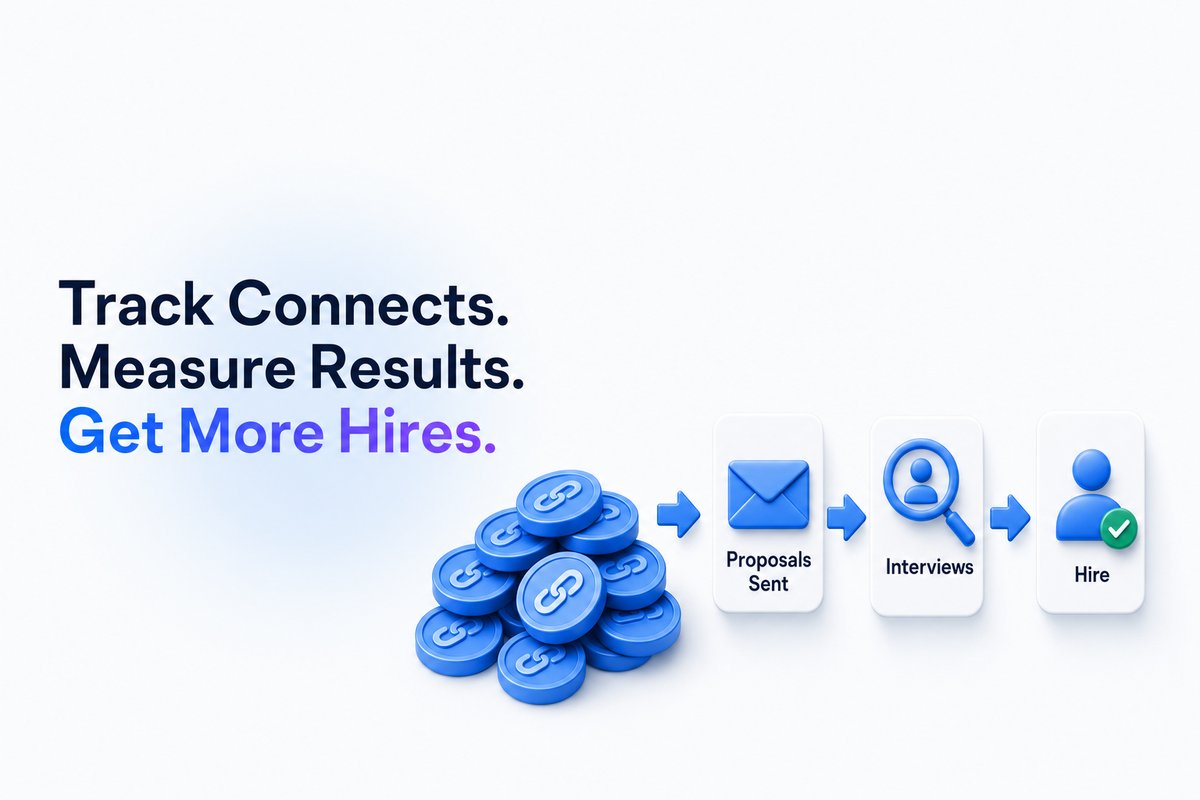
To simplify tracking, you can use a spreadsheet, a pen and paper, or let WinOnUp automatically calculate your cost per interview and proposal ROI using your Upwork data.
Why most freelancers waste Connects (and how to fix it)
Most Connects are wasted on proposals to jobs you’re not a close match for or to clients who rarely hire at all. According to the data, almost 60% of Upwork jobs are never filled, which is a major leak in your ROI. The smartest way to limit waste is to filter jobs by client history, payment verification, and hire rate before applying.
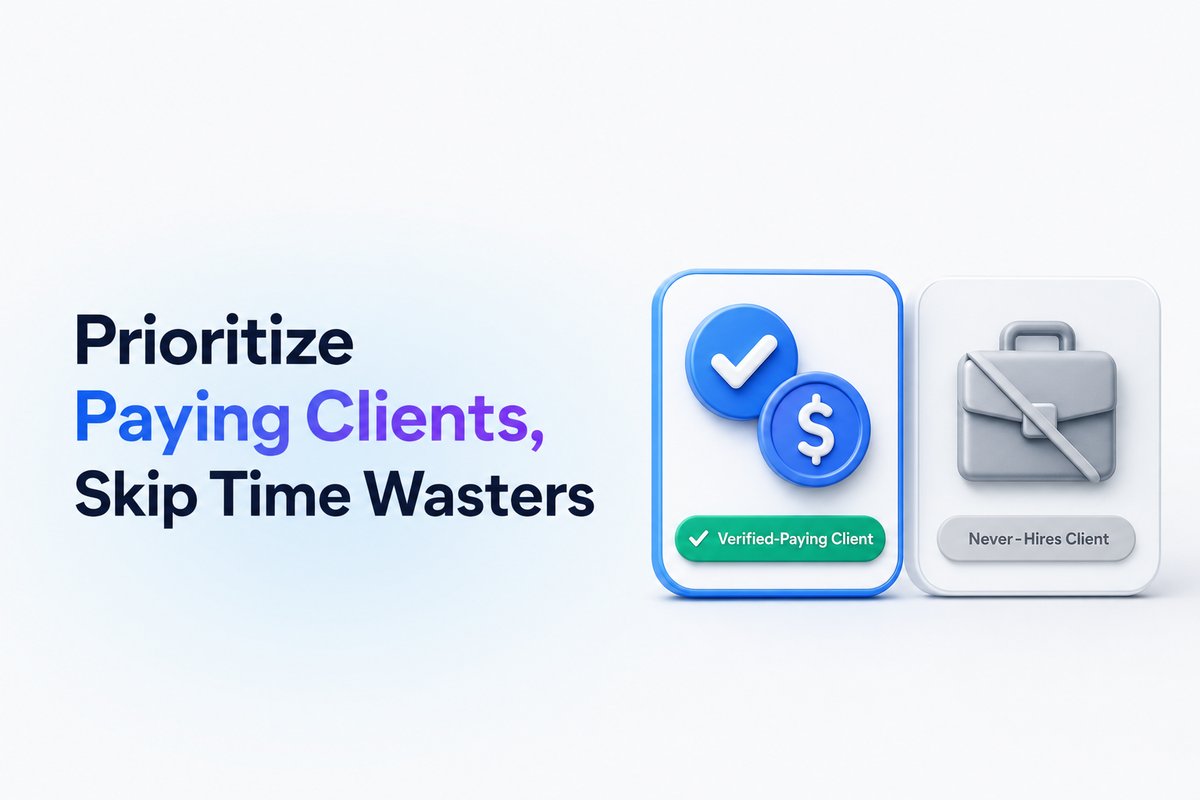
You can learn more about filtering for better client matches in How to get Upwork job alerts the minute a job is posted and How to get more invites on Upwork: the skills, title and categories that get you found.
How to track Connects ROI manually or with WinOnUp
Start with a simple tracker: note every proposal, how many Connects you spent, if you got an interview, and if you landed the job. Review your stats after 20–30 proposals to calculate cost per interview, cost per hire, and tweaks needed. Consistency beats sporadic tracking.
WinOnUp automates this process by pulling your Upwork data to show Connects spent, average cost per interview or proposal viewed, and your revenue per $1 Connects—all visualized in one dashboard. You can also try our Connects ROI Calculator — WinOnUp for a hands-on version before using any software. Tracking ROI makes it much easier to see which job types or clients are worth your Connects.
When Connects aren’t worth it (and what to do instead)
If you find you’re spending $20–$30 in Connects per hire, but those hires aren’t paying enough to cover your time or Connect costs, it's time to adjust your targeting or rethink your niche. Use your data to cut out job types or clients that return little value, and focus on roles where your proposals convert at a higher rate. As your Upwork profile matures, you’ll start to get more direct invites—which means fewer paid Connects are needed.
You can check out How to get more invites on Upwork: the skills, title and categories that get you found for strategies on making your profile more attractive to clients and reducing Connects spend over time.
Conclusion
Upwork Connects can absolutely be worth it, but only if you understand and track your true cost per interview or hire. Treat Connects like any real business cost: measure, adapt, and focus on results—not just spending for activity’s sake. If you want an easier way to track your ROI and see which jobs are actually worth your Connects, WinOnUp automates this process—no card needed to sign up, and you can test your numbers before upgrading.
Start tracking your Connects ROI today, whether it's with a manual method or by letting WinOnUp crunch the numbers for you. Your results will tell you if Connects are truly worth it in your business.
Frequently asked questions
How much do Upwork Connects cost?
Each Connect costs $0.15, typically sold in bundles (such as 10 for $1.50, 100 for $15). The number of Connects needed per job varies by listing.
Are Connects refunded if a client ignores my proposal?
No, Connects are not refunded if your proposal is ignored or the client hires someone else. Refunds only happen if a job is removed by Upwork or canceled before any hire.
How do I calculate my cost per interview?
Track how many Connects you spend for every interview received. For example, if you spend 120 Connects to get 3 interviews, your cost per interview would be 40 Connects, which is $6.
Can I get Connects back as a bonus?
Yes, sometimes Upwork may award bonus Connects if you receive an interview from an established client, but these bonuses are conditional and not guaranteed.
Is Freelancer Plus worth it for Connects?
Freelancer Plus gives 100 Connects monthly for $19.99. If you would buy that many anyway, the plan might provide extra value through added perks.
Stop missing the Upwork jobs worth your Connects.
- New-job alerts every 60 seconds by email, Discord or Google Chat
- Client hire rate, spend and proposal count before you apply
- See what your Connects actually return
No card needed to sign up · 14-day free trial · Cancel anytime
Related guides
How much does an Upwork Connect cost? Know the flat price, proposal spend, and what you truly pay per job. Real numbers for freelancers in 2026.
Should you use Upwork boosted proposals? Learn when boosting is worth the Connects, how to track your ROI, and the traps to avoid.
Upwork lost 10% of active clients while AI work grew 55%. Discover what Q3 2026 earnings mean for freelancers, Connects, and winning jobs.