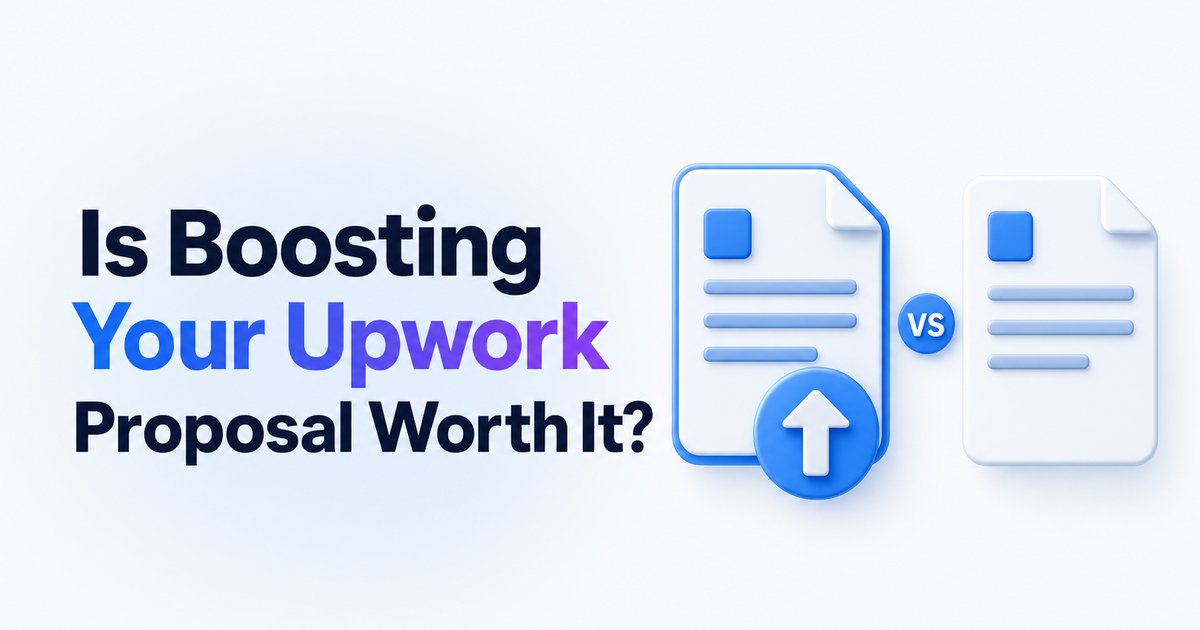
Is boosting your Upwork proposal worth it? Check it with your own numbers
Should you use Upwork boosted proposals? Learn when boosting is worth the Connects, how to track your ROI, and the traps to avoid.
- →Boosted proposals increase your chance of being seen, but don’t guarantee a hire.
- →It’s only worth boosting when your proposal and job fit are strong.
- →Track your own metrics—view, reply, hire and Connects-per-hire rates—for clear ROI.
- →Boosting is best for high-value, fresh jobs with less competition.
- →WinOnUp tracks boosted vs. non-boosted outcomes and Connects ROI automatically.
Introduction
Boosting an Upwork proposal can push your application into one of the top four slots—at a price. Is it worth spending those extra Connects? The answer depends entirely on your numbers. Upwork and independent sources agree: boosting can double your chance of being hired, but only if you’re targeting the right jobs and your proposal quality is already strong.
Boosting will not fix poor targeting or a weak pitch. You’ll see the biggest return when you’re laser-focused on jobs that match your skills and have a real budget, and when you can track key stats like view, reply, and hire rates, both boosted and non-boosted. This is where tools like the Connects ROI Calculator and WinOnUp’s built-in tracking come in—making it easy to judge if boosting is worth it for you.
How Upwork boosted proposals actually work
When you boost a proposal on Upwork, you spend extra Connects to join an auction for one of the top four visible slots—a spot marked clearly to clients as ‘Boosted.’ If you end up as one of the top bidders when the job closes, or if a client interacts with your proposal while it’s boosted, you pay those extra Connects. If not, your Connects are refunded. But every bid, boosted or not, still costs the base Connects to apply.
This extra exposure only lasts up to seven days, or until someone’s hired. If there’s little interaction or you’re outbid, the boost can drop off sooner. For a breakdown of how Connects and proposal slots work, see the details on Features — WinOnUp.
What data says: boost impact on hire and earnings rates
Upwork reports that using boosted proposals can increase your odds of getting hired by as much as two times. Some users have reported a 10x return on their Connects spend when strategically boosting proposals that win jobs. One independent experiment found 100% view rates for proposals that actually landed a boosted spot.
However, these wins depend on more than just boosting. Proposal quality, job fit, and timing are still deciding factors. For more on proposal tactics, see How to write an Upwork proposal clients actually read (with examples).
When boosting a proposal is (and isn’t) worth it
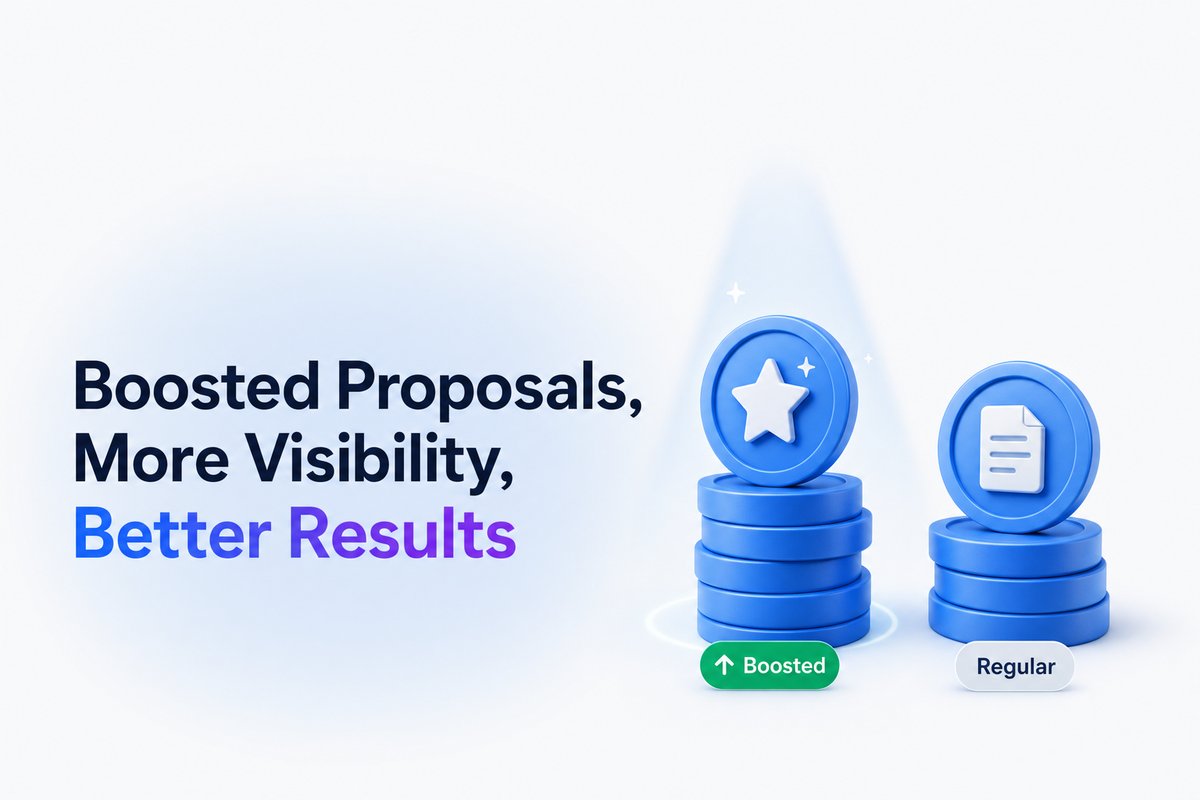
Expert guidance and user feedback point to clear patterns: boosting is worth it for jobs that are a strong match, well-funded, and recently posted. Poor-fit, vague, or low-budget projects aren’t worth the risk. Boosting doesn’t make a bad proposal better—it just highlights what’s already there.
If the job barely fits your skills, has lots of competition, or looks like a red flag client, save your Connects. Instead, focus on refining your targeting and writing. You can sharpen both by getting more invites on Upwork, which often requires no boosting at all.
How to find out if boosting is worth it—for you
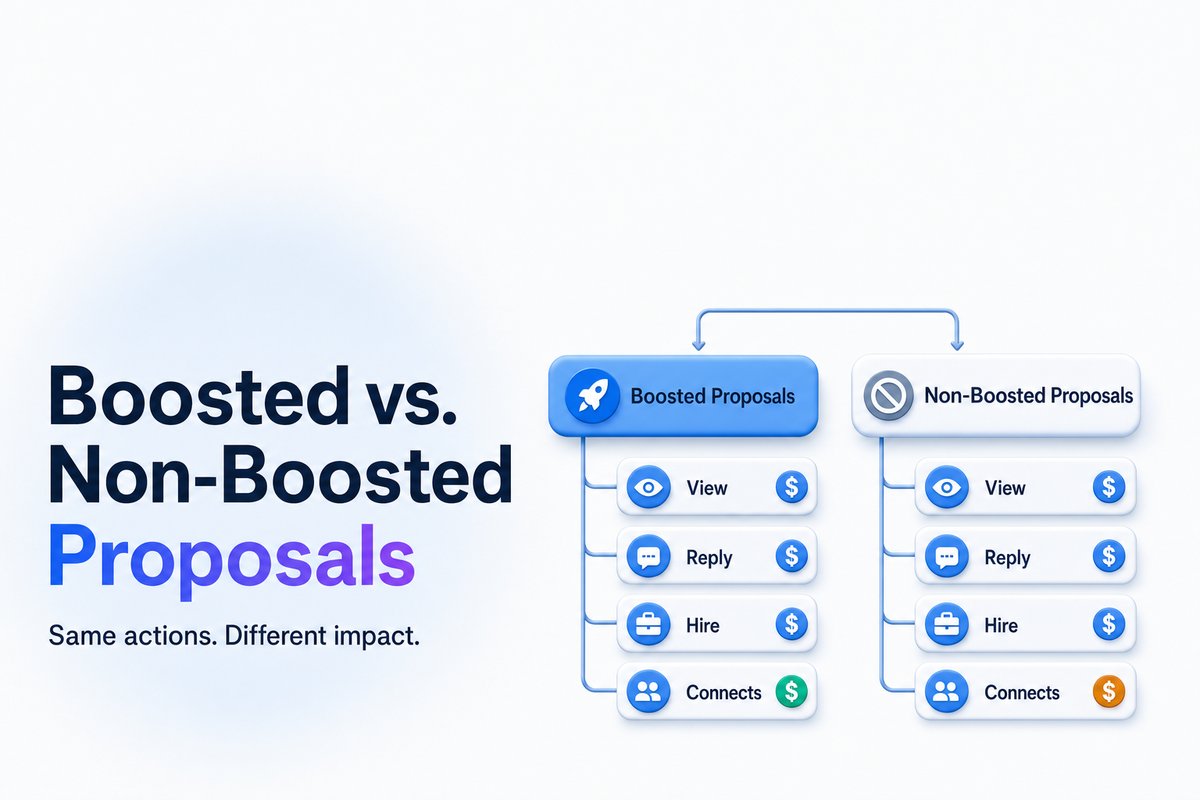
The best way to decide? Track your numbers. Split your job applications into two groups: boosted vs. non-boosted. For each, watch four things: view rates, reply/interview rates, hires per proposal, and total Connects spent per hire.
If boosting consistently lowers your Connects-per-hire on high-value jobs, keep going. If not, you’re better off focusing on quality over quantity. WinOnUp can track this ROI automatically for your account, showing boosted versus standard proposal performance in real numbers.
How to boost smarter and avoid common mistakes
Don’t boost every proposal on autopilot. Instead, reserve boosts for jobs where you’re a near-perfect fit, the project has a real budget, and the post is fresh. Always match your intro and skills to the project. Never use boosting to prop up a lukewarm or generic pitch.
Keep an eye on which jobs pay off. If you see patterns—for example, boosted pitches for a certain niche always get replies—refine your focus. If you spend a lot with no response, scale back and improve your proposal, timing, or targeting.
Conclusion
Boosting proposals on Upwork can deliver more views and better odds of getting hired, but only if you choose your jobs and words carefully. The real answer comes from tracking your own results: how many jobs you land for the Connects you spend, with and without boosting.
WinOnUp tracks all your proposal stats automatically—no card needed to sign up. If you want help comparing your Connects ROI, start with the Connects ROI Calculator or let WinOnUp handle tracking as you go.
Frequently asked questions
Do boosted proposals guarantee more jobs on Upwork?
Boosted proposals can increase your visibility and chance of being hired, but they don’t guarantee replies or contracts. Quality and job fit still matter most.
When should I use boosted proposals?
Use them for jobs that closely match your strengths, have a strong budget, and are freshly posted. Avoid boosting for low-quality, vague, or crowded jobs.
Are my extra Connects refunded if I don’t win the boosted slot?
Yes. You only pay the additional Connects if you win a top boosted slot or if the client interacts with your boosted proposal. Otherwise, they’re refunded.
How can I track if boosting is really worth it for me?
The best method is to compare stats—view, reply, hire, and cost per hire—between your boosted and regular proposals. WinOnUp tracks these side-by-side for you.
Does boosting help weak proposals get noticed?
Not really. Boosting only increases visibility. If your proposal isn’t well-targeted and well-written, boosting won’t make it stand out or win jobs.
Stop missing the Upwork jobs worth your Connects.
- New-job alerts every 60 seconds by email, Discord or Google Chat
- Client hire rate, spend and proposal count before you apply
- See what your Connects actually return
No card needed to sign up · 14-day free trial · Cancel anytime
Related guides
How much does an Upwork Connect cost? Know the flat price, proposal spend, and what you truly pay per job. Real numbers for freelancers in 2026.
Are Upwork Connects worth it? Learn how to track your true cost per interview, avoid wasted Connects, and improve your ROI on Upwork job proposals.
Upwork lost 10% of active clients while AI work grew 55%. Discover what Q3 2026 earnings mean for freelancers, Connects, and winning jobs.