What is Uma on Upwork? How Upwork's AI recruiter picks freelancers
Learn what Uma on Upwork is, how Upwork's AI recruiter selects freelancers, and what it means for your freelance job search and invites.
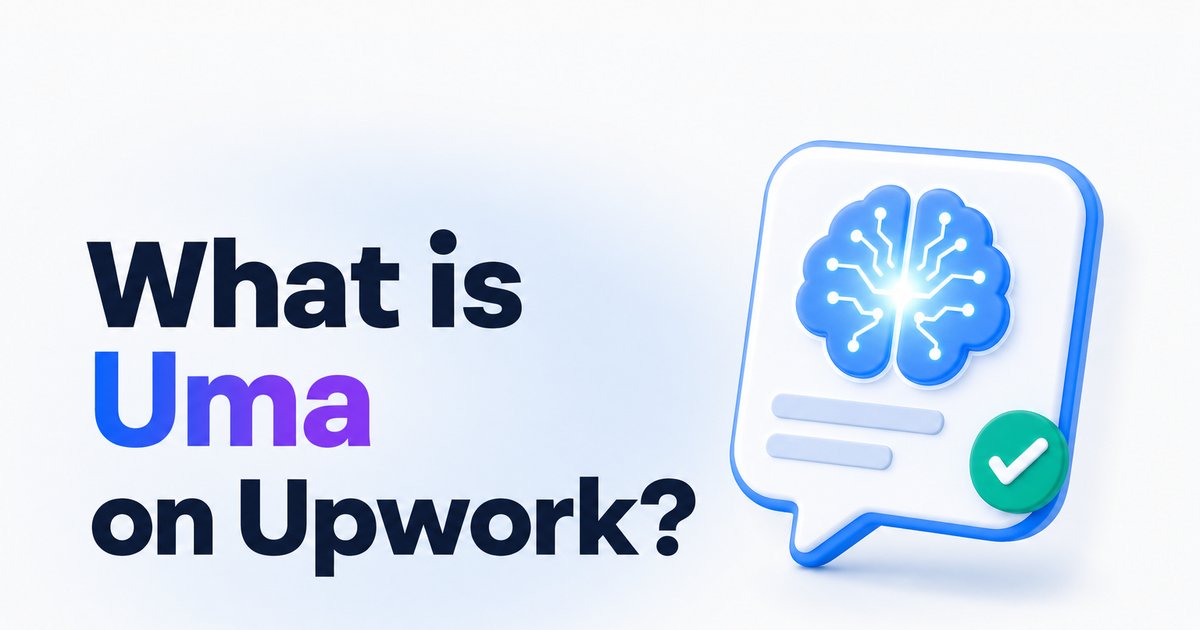
- →Uma is Upwork’s built-in AI assistant, not a third-party tool.
- →It helps freelancers and clients with proposals, job posts, searches, and summaries.
- →Uma Recruiter analyzes job posts to invite relevant freelancers using AI.
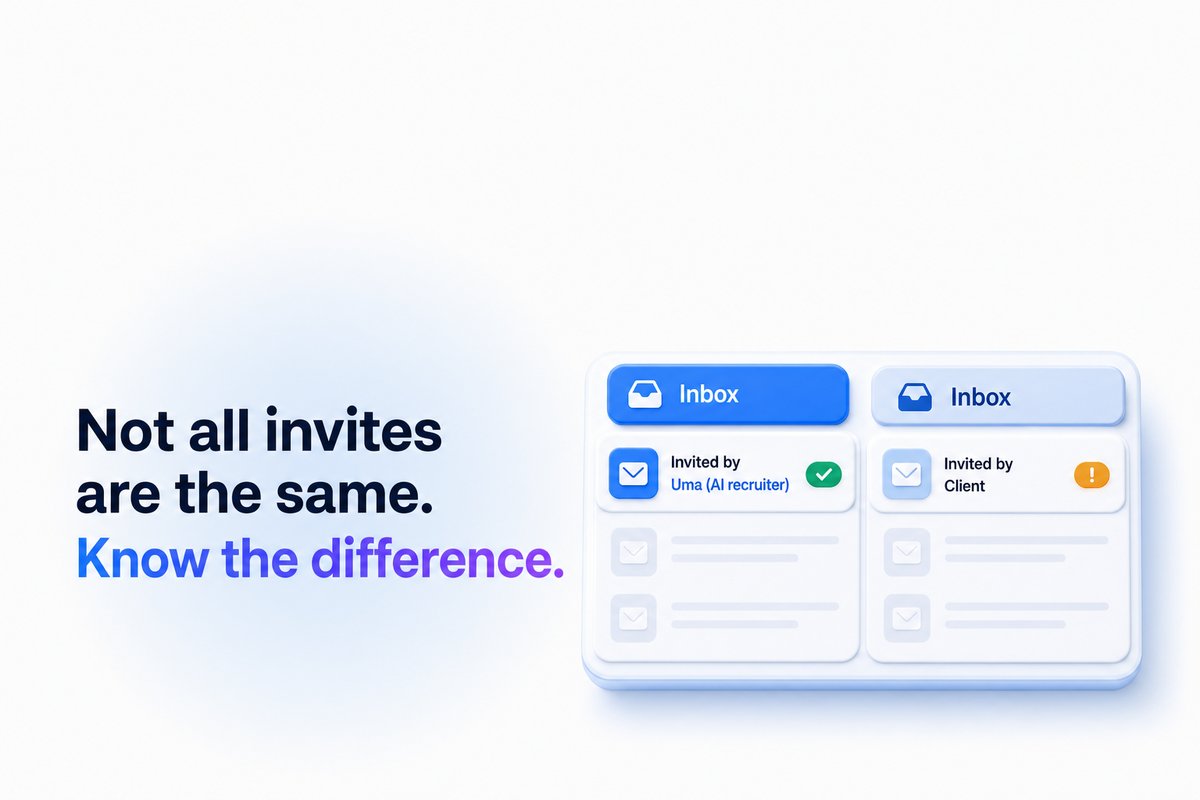
- →Invitations from Uma Recruiter are clearly labeled as AI-generated.
- →Optimizing your Upwork profile improves your chances of getting AI shortlists.
Introduction
Uma on Upwork is a built-in AI assistant called Upwork’s “Mindful AI.” It's designed to help both freelancers and clients get more done, faster, directly on the platform. Uma can help you draft proposals, summarize chats, answer platform questions, and, for clients, even shortlist and invite freelancers—all in a conversational chat window.
A key feature for freelancers is Uma Recruiter. This AI matches job descriptions with freelancer profiles and automatically sends invitations to those who fit a project’s needs. The Uma system is first-party—developed by Upwork, not an outside app—so it’s deeply integrated into the way jobs, invites, and proposals work today.
How Uma works on Upwork
Uma operates as a chat-based assistant embedded directly into the Upwork platform, visible to both freelancers and clients. For freelancers, Uma can draft proposals based on job posts, help refine existing profiles, summarize conversations, and answer questions about how Upwork works. Clients can use it to create job posts, shortlist candidates, and get summaries or recommendations.
The AI accesses up-to-date platform data to create context-aware answers. This means it’s always reflecting your latest work history, proposal activity, and profile content. Uma has quickly become a central part of the Upwork experience, aiming to save time and improve the quality of job matches and communication.
What is Uma Recruiter and how does it pick freelancers?
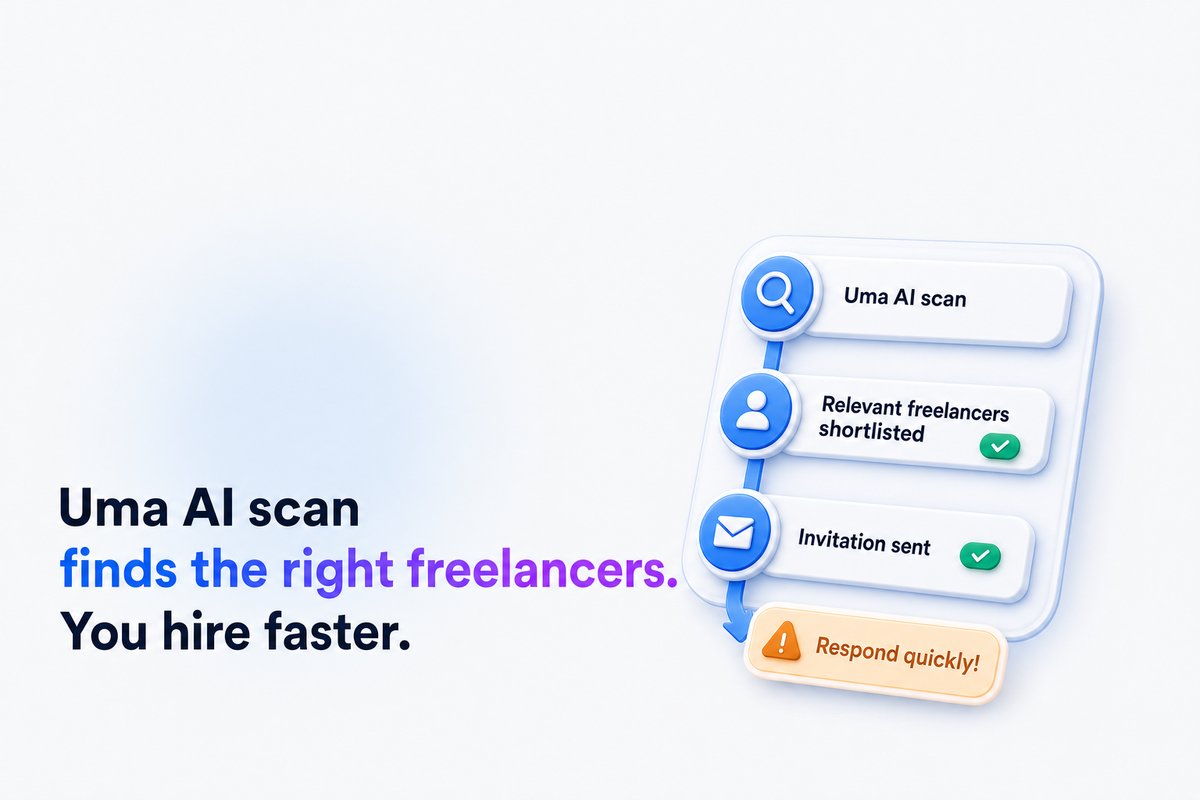
Uma Recruiter is a special part of the Uma system—it's focused on helping clients find the right freelancers to invite. It works by reading a client’s job post and automatically searching Upwork’s talent pool for freelancers whose profiles align closely with the project’s needs.
The AI considers your listed skills, work history, client feedback, and Upwork activity to determine the match. If you receive an invitation from Uma Recruiter, it means the AI sees a strong alignment between your profile and a specific job post. These invites are clearly marked as AI-generated, not manually sent by the client.
How can freelancers get more shortlists from Uma?
Since Uma Recruiter reviews skills, work history, and recent activity, keeping your Upwork profile current and targeted is essential. Add relevant skills, optimize your title and categories, and feature up-to-date portfolio items. Your proposal quality still matters, since clients make the final decision after AI shortlisting.
For actionable tips on boosting your visibility and invite rate, see our guide on how to get more invites on Upwork, which covers the specific profile changes that help both AI and human searches.
What happens when you get an Uma Recruiter invite?
When Uma Recruiter invites you to apply, the job appears in your invite list with a note that it was generated by AI. You can then review the posting and decide if it’s a good fit before sending your proposal. Getting invited by Uma doesn’t guarantee an interview, but it’s a signal that your profile matches the project’s needs in Upwork’s data.
If you want to track your invitations, responses, and Connects effectiveness, tools like WinOnUp can help you see which job types return the most value. For more, visit our Connects ROI Calculator page.
How does Uma affect Connects and job search strategies?
Uma does not change how many Connects you spend to apply to jobs, nor does it submit proposals automatically. You must still review a job and decide whether to apply. However, since AI-matched profiles are surfaced faster, responding promptly to invites—especially those generated by Uma—can increase your chances of being seen by clients.
Setting alerts helps ensure you catch these opportunities quickly. WinOnUp’s job alert system searches for your keywords every minute, notifying you within a minute or two of new jobs posted—all using your own Upwork API key. For details on configuring alerts, see how to get Upwork job alerts the minute a job is posted.
Conclusion
Uma on Upwork is more than a chat assistant—it’s a core part of how freelancers get found, invited, and ultimately hired. Uma Recruiter uses your profile’s data to match you with new job opportunities and sends out AI-generated invites based on the project requirements and your fit. You still need to make sure your profile stands out, so you’re included in these shortlists and ready to respond to new opportunities fast.
If you want to know where your profile stands or track your invitation and Connects performance, WinOnUp checks your Uma Readiness Score and alerts you to new jobs in real time—no card needed to sign up.
Frequently asked questions
Is Uma on Upwork free to use?
Yes, Uma is included as part of the Upwork platform for both freelancers and clients. There’s no separate charge to use its basic AI features.
Can Uma automatically submit proposals for me?
No, Uma can help draft proposals and generate invites, but freelancers must review and submit proposals themselves.
How do I know if an invite came from Uma Recruiter?
Invitations from Uma Recruiter are clearly labeled to show they’re generated by Upwork’s AI—not a direct client invitation.
Does optimizing my profile increase chances of Uma invites?
Yes. Keeping your profile complete, relevant, and up-to-date increases your chances of being matched and shortlisted by Uma Recruiter.
What’s WinOnUp’s Uma Readiness Score?
It’s WinOnUp’s own tool to assess how your profile aligns with signals Uma Recruiter uses. It’s not endorsed by Upwork but helps you target profile improvements.
Stop missing the Upwork jobs worth your Connects.
- New-job alerts every 60 seconds by email, Discord or Google Chat
- Client hire rate, spend and proposal count before you apply
- See what your Connects actually return
No card needed to sign up · 14-day free trial · Cancel anytime
Related guides
Get more invites on Upwork by fixing your profile skills, title and categories, the fields Upwork search uses to put you in front of clients.
Upwork lost 10% of active clients while AI work grew 55%. Discover what Q3 2026 earnings mean for freelancers, Connects, and winning jobs.
Wondering why you’re not getting jobs on Upwork? Discover 9 proven fixes for 2026 to boost your hire rate, win more projects, and make every Connect count.