Why am I not getting jobs on Upwork? 9 fixes that work in 2026
Wondering why you’re not getting jobs on Upwork? Discover 9 proven fixes for 2026 to boost your hire rate, win more projects, and make every Connect count.
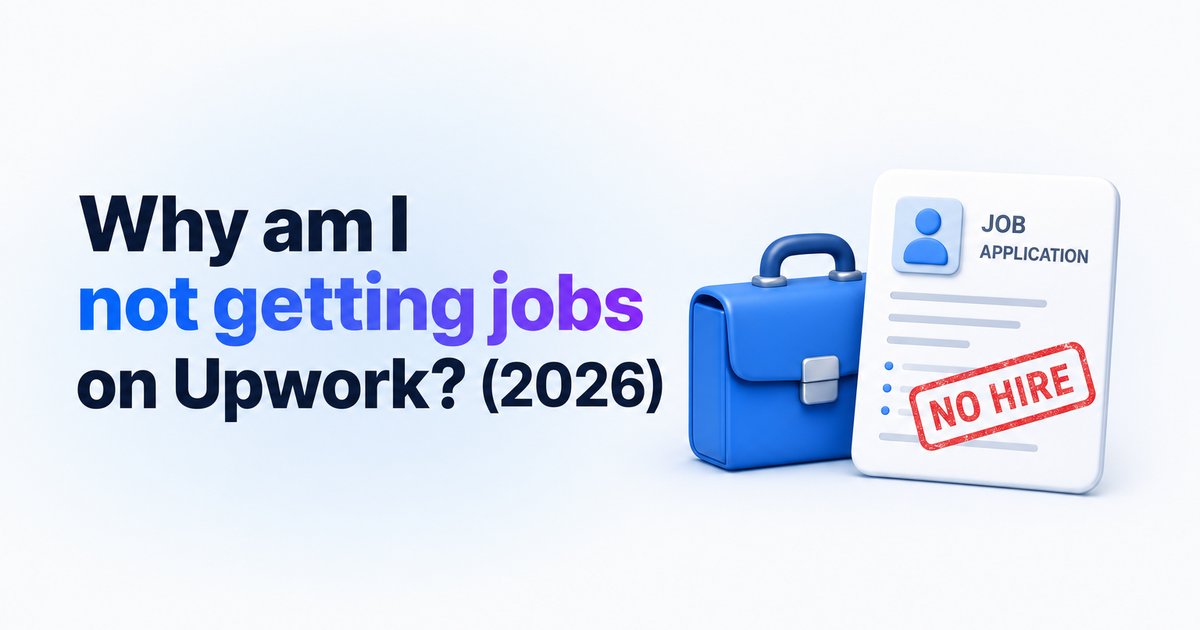
- →Most freelancers miss jobs due to weak profiles, generic proposals, or picking the wrong jobs to apply for.
- →Niche focus, a real portfolio, and personalized proposals are vital to get noticed in 2026.
- →Pricing too high or too low, lacking reviews, and late applications stop you winning jobs—even with good skills.
- →Filtering out non-hiring clients and understanding client needs improves your ROI from Connects.
- →WinOnUp automates job scanning, alerts, and filters to speed up your process without submitting proposals for you.
Introduction
If you're not getting jobs on Upwork in 2026, you're not alone—and it's usually not about your skills. Most freelancers waste Connects on jobs that never fill, send generic proposals, or haven’t set up their profile to inspire trust. To actually win projects, you need to show real proof, focus your expertise, and get in front of the right clients fast. Here are the 9 fixes that actually work right now, based on what’s changed for Upwork freelancers this year.
Complete and optimize your profile
An incomplete or half-baked profile is a top reason freelancers struggle to get jobs on Upwork. Clients skip profiles that lack a strong title, a clear overview, or relevant skills and portfolio samples. The more complete your profile, the more likely clients are to trust you.
Set your expertise, add descriptions to every skill, and make your portfolio visible—even if you need to build mock projects. This matters for Upwork search, for client trust, and for invites over time. To track exactly which skills and titles help you get found, see How to get more invites on Upwork: the skills, title and categories that get you found.
Niche down and show your specialty
Trying to be everything to everyone doesn’t work. Generalist profiles don’t stand out, and clients hire specialists who fit their exact need. The fastest way to get picked is to define a clear niche—like "Shopify landing page design" instead of "web design"—and back it up with focused project samples and titles.
When you focus your profile, you show up higher for relevant searches and get considered more seriously.
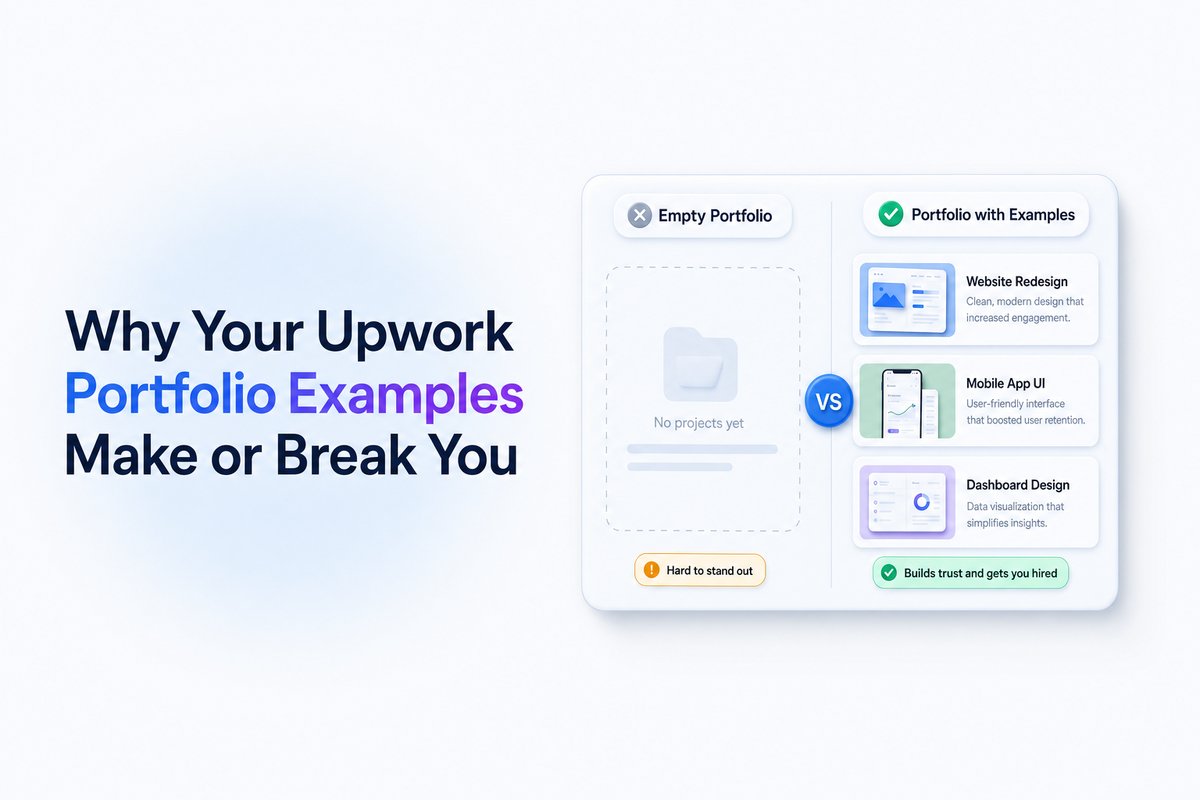
Build a real portfolio—even if you’re new
No matter your experience, you need a portfolio that proves your skills. If past client samples are thin, build and showcase mock projects with descriptions. Even a handful of strong, relevant examples tells clients you can deliver their job’s results.
Stop sending generic and AI-only proposals
Clients on Upwork skip proposals that sound copied or generic, and most can spot text that’s only AI-generated. Tailor each proposal to the job. Mention details from the posting and talk directly about the outcome the client actually wants.
If you use AI to draft proposals, treat it as a starting point—edit for your voice and make it personal. For real examples and templates, see How to write an Upwork proposal clients actually read (with examples).
Set your price right for your current stage
Many freelancers set their rates either too high for their experience (without reviews) or too low, which can look desperate. Start near the lower end for your role, then raise your rates as you get reviews and a track record.
WinOnUp helps you track your actual Connects ROI—including how price changes affect your interview and hire rate—on your own real Upwork data.
Get reviews and raise your Job Success Score
No reviews or a low Job Success Score (JSS) causes clients to pass you by. If you’re new, take small, quick projects just to collect reviews and build a strong reputation. Ask past clients (even from outside Upwork) for testimonials you can display on your profile.
Apply early and only to the right jobs
It’s rare to get hired if you apply late, or to jobs that aren’t a great fit. Most clients decide fast, often within the first hour. You want your application in early, on jobs you can clearly solve.
WinOnUp scans Upwork every minute with your keywords and filters, and pings you by email, Discord, or Google Chat when the right job posts—no card needed to sign up. For why timing matters, check How fast should you apply to an Upwork job? Why the first hour matters.
Avoid jobs from clients who almost never hire
A chunk of jobs on Upwork are from clients who rarely or never hire—so proposals there are wasted. Watch for posts from new clients, no hire history, or a low client hire rate.
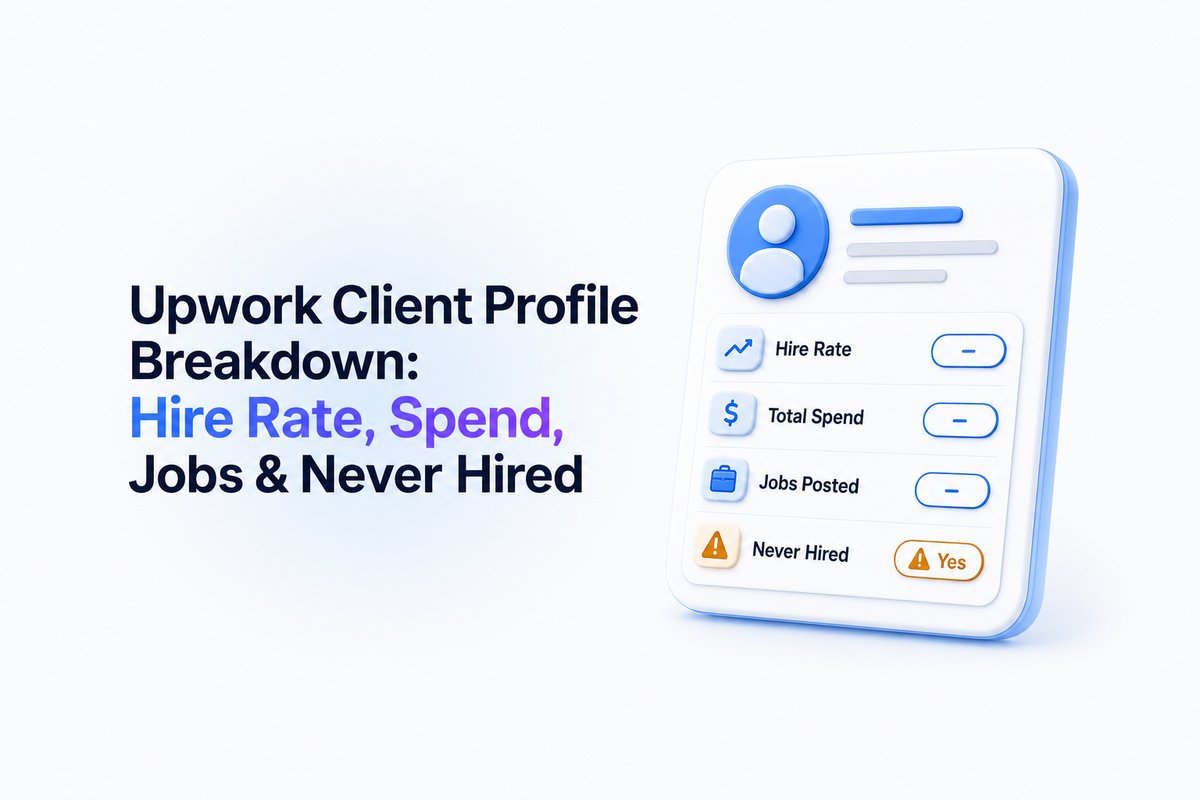
To learn how to check client hire rates and red flags before applying, visit How to check an Upwork client before you apply: hire rate, spend and red flags.
Write proposals that focus on client pain points, not just your skills
Most proposals fail because they talk only about the freelancer. Instead, show you understand the client’s challenge, outline the exact way you’d solve it, and suggest a next step (like a 10-minute call). This builds trust and makes your proposal stand out, even if you’re newer on the platform.
Conclusion
Winning jobs on Upwork is rarely about raw talent. It’s about knowing how to match your profile, portfolio, pricing, and proposals to what clients actually want—and doing it before the job fills.
Try these 9 fixes and track your progress. If you want to automate job alerts, check real Connects ROI, or filter for clients who actually hire, you can start free with WinOnUp — no card needed just to sign up.
Frequently asked questions
How can I tell if a client is likely to hire?
Check their hire rate, total spend, payment verification, and feedback left for freelancers. WinOnUp and our client research guide can help you quickly spot the red flags.
What should I include in an Upwork proposal?
Mention specific details from the job post, describe how you'll solve the client’s problem, and end with a clear next step. See our proposal writing guide for examples.
Should I lower my rates to get jobs?
Set your rate slightly below market if you’re new, and increase it as you collect good reviews. Don’t race to the bottom—clients also avoid rates that seem too low to be real.
How fast do I need to apply to Upwork jobs?
The best jobs often fill fast—within the first hour. Applying quickly, especially with targeted alerts, raises your chances. Learn more at How fast should you apply to an Upwork job?.
Stop missing the Upwork jobs worth your Connects.
- New-job alerts every 60 seconds by email, Discord or Google Chat
- Client hire rate, spend and proposal count before you apply
- See what your Connects actually return
No card needed to sign up · 14-day free trial · Cancel anytime
Related guides
Upwork lost 10% of active clients while AI work grew 55%. Discover what Q3 2026 earnings mean for freelancers, Connects, and winning jobs.
Learn the best time to apply on Upwork, why early proposals matter, and how job alerts help you find relevant opportunities faster.
Learn how to get Upwork job alerts the moment jobs post, why RSS stopped working, and what to set up instead to stop missing good leads.