
How to check an Upwork client before you apply: hire rate, spend and red flags
Learn how to check an Upwork client's hire rate, spend, and reviews before applying. Avoid red flags and wasted Connects with this quick vetting guide.

- →Always check a client’s hire rate and total spend before sending a proposal.
- →A hire rate below 25% or low total spend are warning signs to watch out for.
- →Verify the client has a confirmed payment method on Upwork.
- →Check freelancer reviews for feedback on past contracts, not just star ratings.
- →WinOnUp can automate and summarize these checks for faster job vetting.
Introduction
Before you apply to any job on Upwork, it pays to check the client’s background. The quickest way is to look at their hire rate, total spend, payment verification, and reviews right in the job post’s “About the client” section. A strong Upwork client hire rate (ideally 50% or higher), verified payment, and a history of real hires protect you from wasted Connects and scammy listings. Skipping this step can mean applying to jobs that never hire or dealing with clients who don’t pay.
Checking these signals is fast once you know where to look. Below, you’ll find a step-by-step process for vetting an Upwork client—plus how WinOnUp can speed up this check so you never have to waste Connects on risky jobs again.
Why hire rate matters (and what “hire rate” really means)
The Upwork client hire rate is the percent of job posts actually resulting in a hire. For example, a 60% hire rate means 6 out of every 10 jobs the client posted led to a freelancer being hired. This metric appears under 'About the client' in every job post, and it’s one of the strongest quick indicators of whether a client actually follows through. Freelancers often look for at least a 50% hire rate, but the higher, the better—trusted repeat clients average around 56% to 71%.
A low hire rate, especially for clients with many postings, usually signals tire-kickers, indecision, or even fake jobs. If you see a high number of posted jobs but almost no hires, think twice before applying.
How to check a client’s spend, payment verification, and history
Next to the hire rate, the 'About the client' section also lists total spend, number of jobs posted, total hires, account age, and whether the payment method is verified. For real protection, prioritize clients with a verified payment method, $1,000+ in total spend, and a consistent history of hires. New clients without verified payment can still be real, but you won’t have Upwork’s payment protection and they’re far more likely to ghost communication.
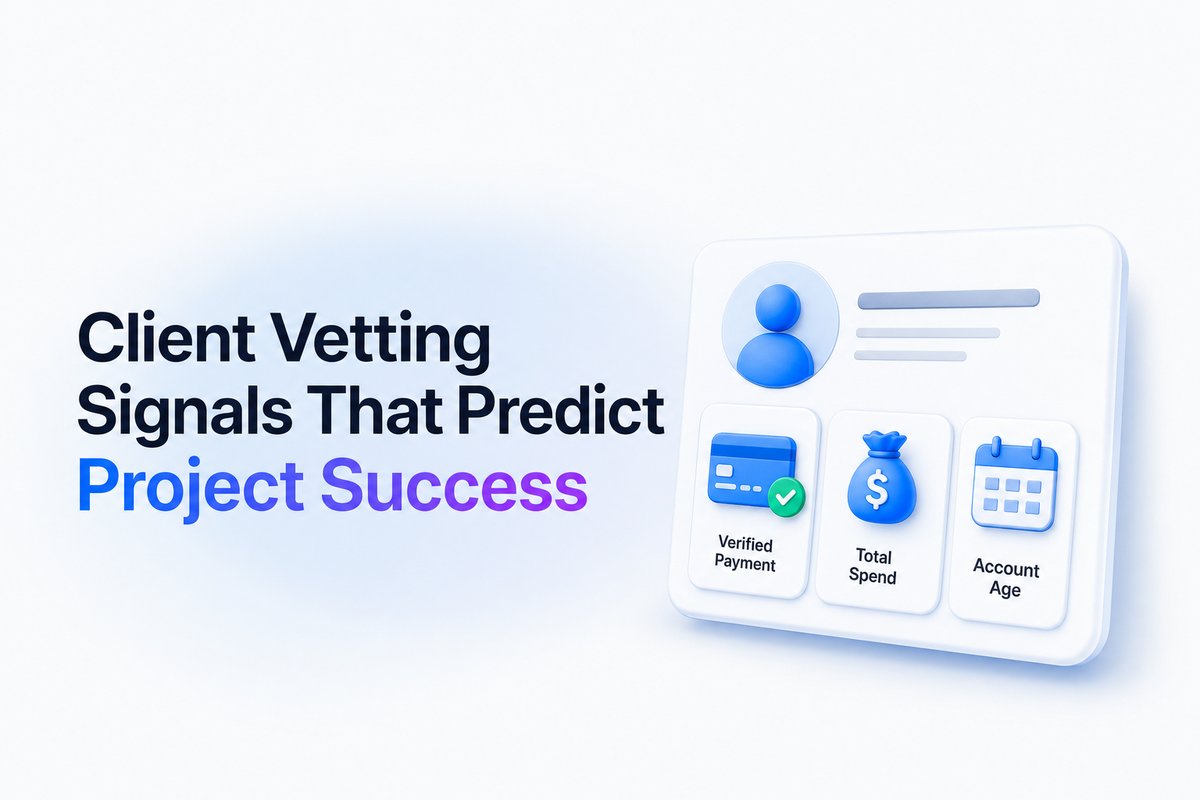
It’s also smart to look at the average hourly rate paid: does it match what’s advertised in the job posting? Clients consistently paying below-market rates or posting only low-budget jobs may not value quality work.
Spotting red flags before you waste Connects
Red flags include a low hire rate (below 25%), high number of jobs posted with few or no hires, no verified payment method, and big claims from a brand-new account. Also, be careful with vague project details, requests to chat or pay off Upwork, or demanding unpaid trial work. These almost always indicate scams or unreliable clients.
Always check freelancer reviews—dig into comment details, not just stars. Reviews that mention delayed payment, unclear communication, or repeated project cancellations are worth taking seriously. [Read more on writing Upwork proposals that get replies to avoid common traps.]
A 90-second client check: step-by-step process
For every Upwork job, run this checklist before drafting your proposal:
-
Payment method is verified.
-
Total spend is at least $1,000.
-
Hire rate is 50% or greater (aim for 70%+ for best odds).
-
Number of hires vs jobs posted—avoid clients who post a lot but rarely hire.
-
Average hourly rate aligns with your market and the job listing.
-
Check freelancer feedback for any persistent problems.
-
Account age—new accounts with big promises need extra caution.
Doing this quickly improves your Connects ROI. For a faster, automated approach, the WinOnUp Features page shows a real-time summary table of these client metrics and flags high-risk clients so you can focus only on jobs that are worth your effort.
Why hire rate is only one part of client vetting
Even a 100% Upwork client hire rate can be misleading if those hires were for tiny, low-value jobs or scripted tasks. That’s why it’s smart to check hire rate alongside total spend, payment verification, and the quality of reviews left by past freelancers.
If you want to go deeper, consider also the timing: did the client sign up the same day as this job post? Have they posted only one job or multiple? Patterns in job postings and feedback can reveal habits (good or bad) that the numbers alone hide. You can also learn about how Upwork's AI, Uma, uses signals to assess client quality in our explainer on Uma.
Conclusion
Checking an Upwork client before you apply doesn’t take long and can save you Connects, time, and stress. Focus on hire rate, spend, payment status, client reviews and watch for red flags every time.
If you want to automate most of these checks, WinOnUp summarizes client metrics and flags risky jobs before you ever click 'submit.' No card needed to sign up—try it for free and avoid wasted Connects.
Frequently asked questions
How do I find a client’s hire rate on Upwork?
Look in the 'About the client' box on any job post. The hire rate appears as a percentage, showing how often that client hires for their posted jobs.
What is a good Upwork client hire rate to target?
A hire rate of at least 50% is a solid baseline, but 70% or higher is ideal for repeat clients. Avoid clients with a hire rate under 25%.
Should I apply if a client’s payment isn’t verified?
Be extra cautious. You won’t have Upwork’s payment protection, and unverified payment is a common trait of clients who ghost or don’t hire.
Do all clients with a perfect hire rate pay well?
Not always. Some may hire for tiny or low-value projects. Always check total spend and average rates paid alongside hire rate.
How can WinOnUp help with client vetting?
WinOnUp automates checks for hire rate, spend, payment status, account age and client score—making it easy to avoid risky jobs and save your Connects.
Stop missing the Upwork jobs worth your Connects.
- New-job alerts every 60 seconds by email, Discord or Google Chat
- Client hire rate, spend and proposal count before you apply
- See what your Connects actually return
No card needed to sign up · 14-day free trial · Cancel anytime
Related guides
Upwork lost 10% of active clients while AI work grew 55%. Discover what Q3 2026 earnings mean for freelancers, Connects, and winning jobs.
Wondering why you’re not getting jobs on Upwork? Discover 9 proven fixes for 2026 to boost your hire rate, win more projects, and make every Connect count.
How much does an Upwork Connect cost? Know the flat price, proposal spend, and what you truly pay per job. Real numbers for freelancers in 2026.