How to Find Better Upwork Jobs
Learn how to quickly find good Upwork jobs by filtering for quality projects, trustworthy clients, and high return on your Connects in 2026.
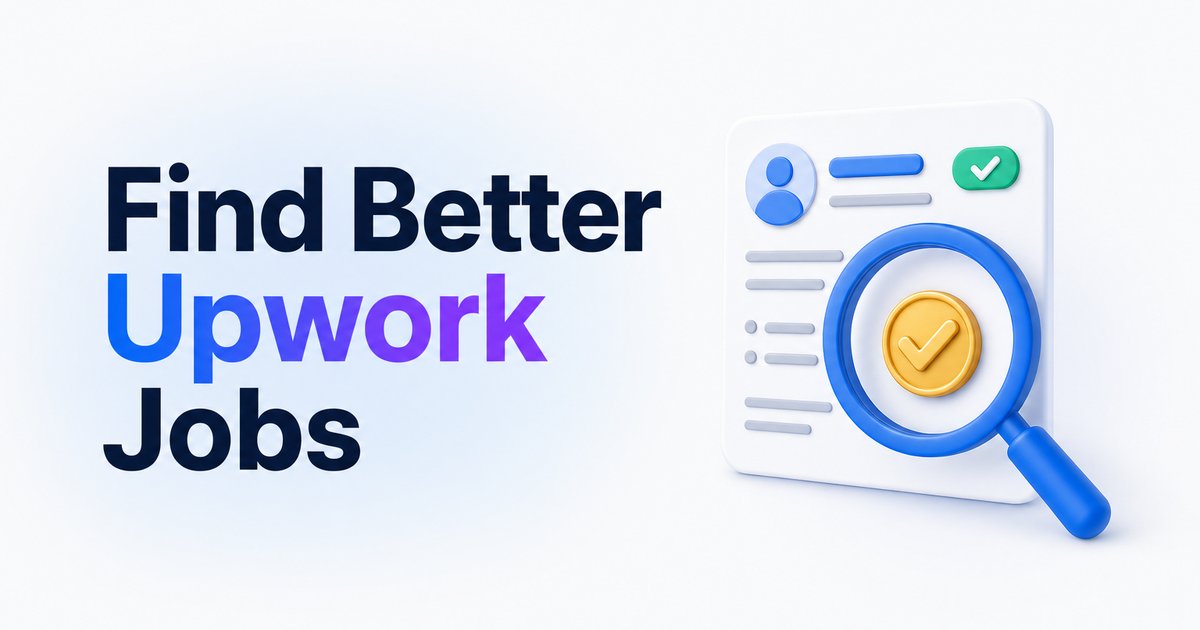
- →Use advanced Upwork search and filters to target jobs that fit your specific criteria.
- →Focus on listings posted recently with low proposal counts and verified clients.
- →Prioritize jobs that match your niche and avoid broad, unfocused applications.
- →Check for payment verification, client ratings, and hiring history before applying.
- →Tools like WinOnUp can automate alerts and show Connects ROI, helping you get results faster.
Introduction
Finding good Upwork jobs isn't just about volume—it’s about identifying projects worth your time and Connects. The key is to look for postings that match your skills, are from legitimate clients, and have hiring signals like payment verification or recent posting times. Use Upwork’s advanced search and filters to narrow your results, then check each listing for client details, competition level, and project fit. By focusing on these factors, you can apply only to the jobs most likely to lead to interviews and contracts, instead of getting lost in a sea of low-return postings.
Start with advanced search and job filters
The fastest way to find good Upwork jobs is to use the platform’s advanced search features. Start by entering keywords that reflect your skills and project preferences. You can use Boolean operators (AND, OR, NOT) and exact phrases to be highly specific in your targeting. Use additional filters for project type, budget, hours per week, client location, and job posting date to remove irrelevant listings. Upwork lets you save up to 30 custom searches, which means you can revisit or re-run targeted searches any time without rebuilding your filters. For a step-by-step view on refining your searches, Upwork’s official guide explains how each filter works.
Define your ideal project and client
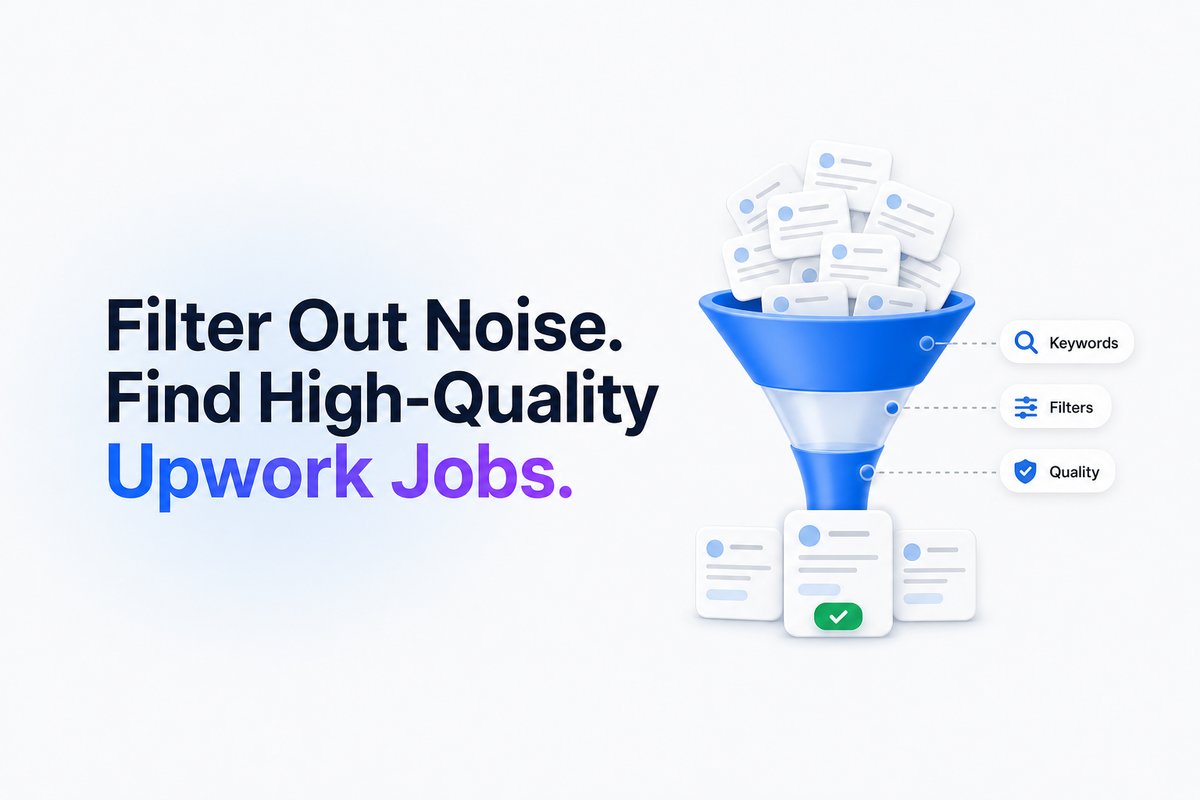
Before you search, get clear on what you want: the type of work, contract structure (hourly or fixed-price), minimum budget, desired client size or industry, and even timeline. Use Upwork’s filters to screen out jobs that don’t match. For example, if you only want to work with clients who have a verified payment method or a certain track record, filter for those specifically. This helps you avoid wasting Connects on jobs that aren’t a fit, and puts you in front of clients whose needs–and budgets–align with your goals. If you’re starting out, see our guide on how to get your first Upwork job with no reviews for more strategies.
Prioritize new, low-competition jobs
Jobs posted within 30-60 minutes often have the lowest competition and the highest chance of your proposal being seen. The best opportunities are usually posted within the last 48 hours, with fewer than five proposals, and have a verified payment method. If a listing has dozens of proposals and no interviews or hires, it may be a red flag. Focus on jobs that not only match your skills but also show these strong hiring signals. For timing strategies, see how fast you should apply to an Upwork job.
Third-party alert tools can monitor Upwork for new jobs, but WinOnUp checks your saved keyword searches every 60 seconds and sends alerts by email, Discord or Google Chat, so you can often apply within minutes of posting.
Check client legitimacy and hiring signals
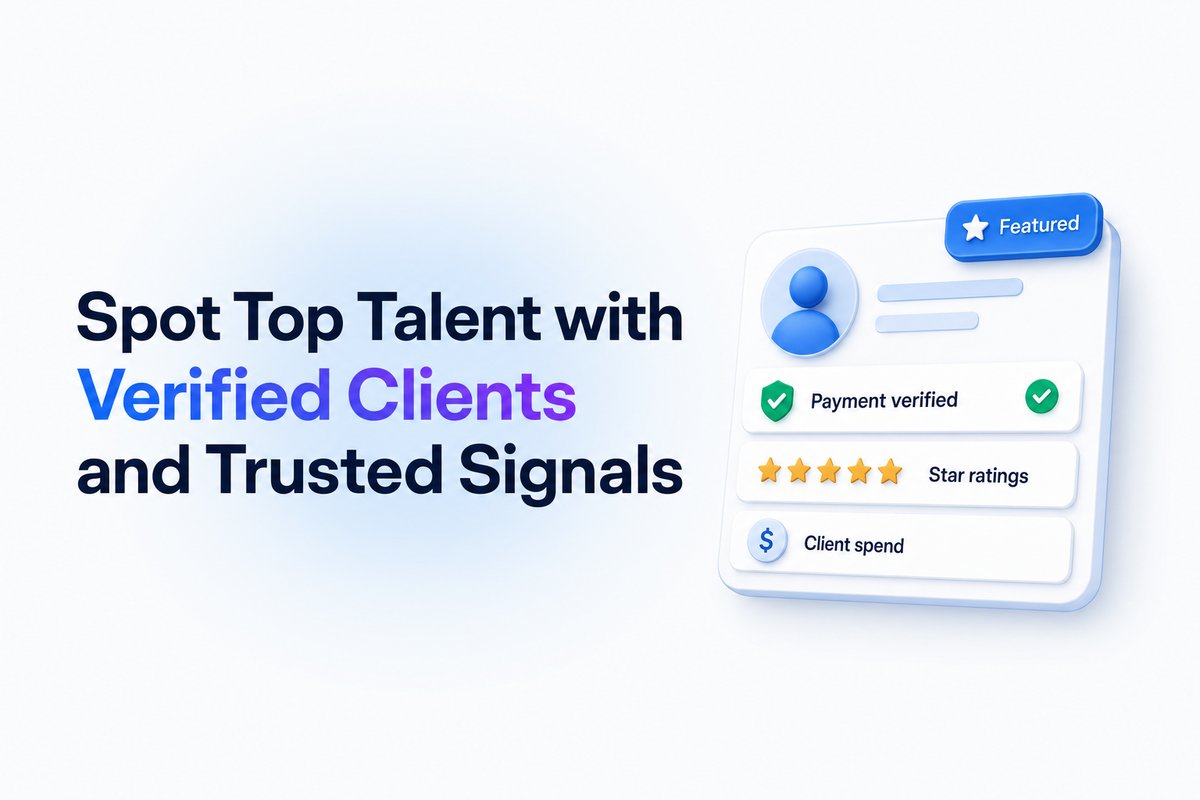
Not every job is worth your Connects. Look for payment verification, client ratings, total spend, and number of hires. A client with a verified payment method, multiple hires, and good reviews is more likely to be serious about hiring. Pay attention to ‘Featured’ badges on jobs, which indicate that the client has paid extra and is invested in finding talent quickly. For a full checklist, see how to check an Upwork client before you apply.
Focus on fit, not volume
Resist the urge to mass-apply. Submitting tailored proposals only to jobs that closely match your skills is far more effective than a spray-and-pray approach. Specialize where you can, and take time to write pitches specific to each posting. If you’re struggling with proposals, check out how to write an Upwork proposal clients actually read.
Track Connects ROI and boost strategically
Every Connect you spend is real money, so watch your returns. Upwork offers visibility tools like the “Available” badge or boosting a proposal, but only boost jobs that are a perfect fit and show clear hiring signals. With WinOnUp’s Connects ROI table, you can see at a glance how much each proposal, view, and interview costs you, and whether boosting actually pays off versus standard submissions. For a deeper dive on Connects cost, see are Upwork Connects worth it?.
Conclusion
Finding good Upwork jobs is about targeting, not luck. By focusing your search with advanced filters, checking client legitimacy, and prioritizing new, high-fit postings, you increase your chances of landing real work that pays off for your Connects and your time.
If you’re ready to automate your search, try WinOnUp—set up job alerts in minutes, track Connects ROI, and get matched insights on every job you consider (no card needed to sign up).
Frequently asked questions
What are the signs of a good Upwork job?
Look for jobs posted recently, with low competition, a verified payment method, clear project details, and a client with a positive hiring and payment history.
How can I avoid wasting Connects on bad jobs?
Use advanced search filters, focus only on verified clients, check the client’s hiring history, and avoid jobs with lots of unanswered proposals.
Is it worth boosting my Upwork proposals?
Boost only for jobs that fit your skills exactly and that have strong client signals. Use your account data to check if boosting is actually getting more interviews.
How does WinOnUp help freelancers find better jobs?
WinOnUp scans for new jobs using your saved Upwork searches every 60 seconds, alerts you right away, and shows Connects ROI so you can target the best value jobs.
What should I do if I’m not getting responses on Upwork?
Niche down, specialize your proposals, check client legitimacy, and focus only on jobs that align with your profile. For details, see our post on why you’re not getting jobs on Upwork.
Stop missing the Upwork jobs worth your Connects.
- New-job alerts every 60 seconds by email, Discord or Google Chat
- Client hire rate, spend and proposal count before you apply
- See what your Connects actually return
No card needed to sign up · 14-day free trial · Cancel anytime
Related guides
Learn the exact steps to land your first job on Upwork with no reviews in 2026: profile tips, proposal strategy, safer clients, and where WinOnUp can help.
Upwork lost 10% of active clients while AI work grew 55%. Discover what Q3 2026 earnings mean for freelancers, Connects, and winning jobs.
Wondering why you’re not getting jobs on Upwork? Discover 9 proven fixes for 2026 to boost your hire rate, win more projects, and make every Connect count.