Why Your Upwork Proposals Aren't Viewed
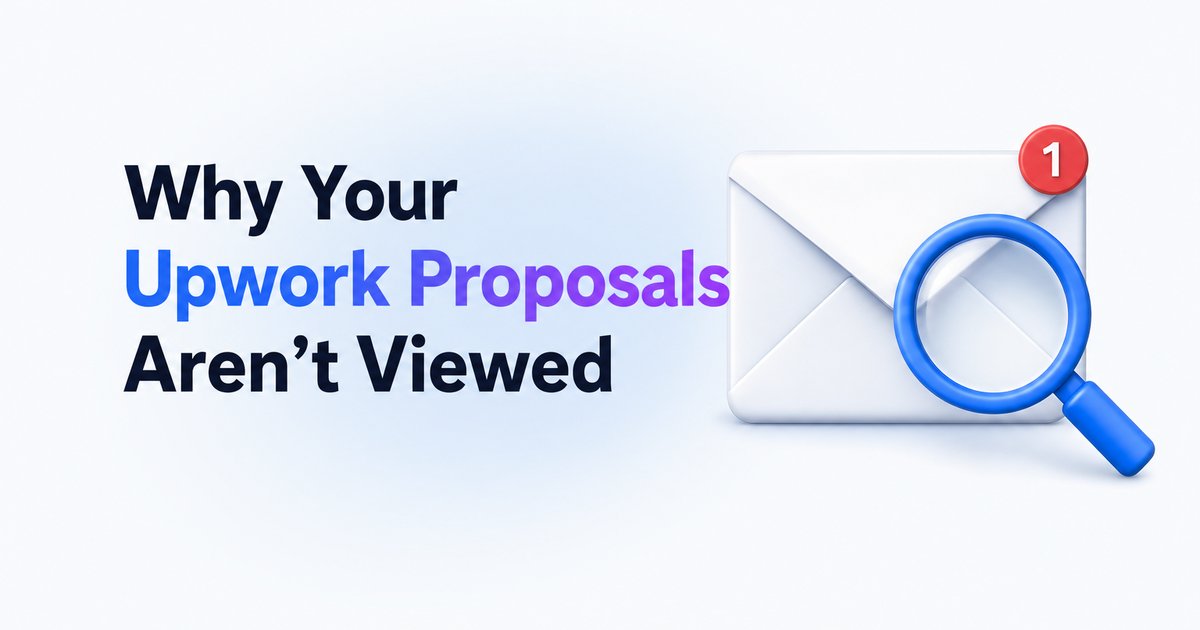
If your Upwork proposals aren't viewed, here’s why clients skip them—and what you can do to get more eyes (and replies) on your applications.
- →Clients often review only the first, most relevant proposals—timing is critical.
- →Proposals are skipped if your profile doesn’t match the job or your intro isn’t tailored.
- →Pricing outside the client’s budget, slow response time, and weak profiles hurt your visibility.
- →Not all job posts get reviewed—some clients never open proposals or use Upwork’s AI tools instead.
- →Track your proposal stats and job quality to adjust your strategy for better results.
Introduction
Sending Upwork proposals and seeing zero views is a common—and frustrating—problem. Most clients only review a handful of applications before moving forward. If your proposals aren’t being viewed, the top reasons are late submission, a generic proposal that fails to catch interest, a profile that doesn’t align with the job, or pricing that’s out of the client’s comfort zone. In crowded categories, even a solid proposal can be ignored if it arrives late, the first lines are generic, or the job post never gets reviewed at all. Below, we break down the exact reasons your Upwork proposals aren’t viewed, and practical steps you can take to boost your chances of getting noticed.
Algorithmic match: why relevance rules on Upwork
Upwork’s own algorithm prioritizes proposals from freelancers whose profiles match the job closely. This means your skills, badges, Job Success Score, and even previous client feedback all affect your visibility. If your profile is incomplete or not tailored to the types of jobs you’re applying for, your proposal may never even reach the top of the client’s list. Take time to add portfolios, update your skills, and showcase your best feedback so you appear in Upwork’s 'best matches' when the client checks new applicants.
For more on how profile signals work, see What is Uma on Upwork? How Upwork's AI recruiter picks freelancers.
Timing: the biggest factor in getting your proposal seen
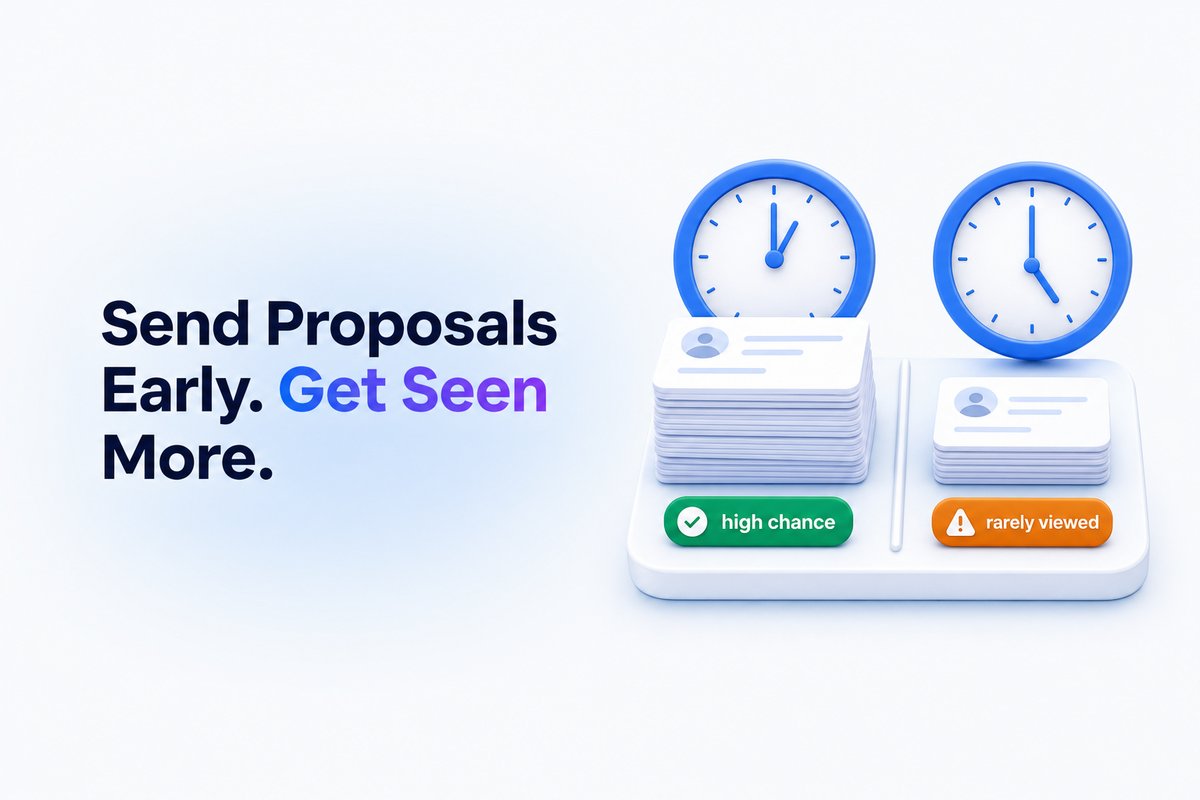
Most clients look at proposals as soon as jobs are posted, and usually pick from the first batch they see. Waiting even a few hours to apply can mean your proposal is never opened at all. Applying quickly matters even more in crowded fields where jobs get dozens of proposals within the first hour.
A faster alert system can help you react quickly. WinOnUp scans for new jobs matching your filters every 60 seconds, sending alerts via email, Discord, or Google Chat—giving you a head start compared to searching manually.
For a deeper dive into when to apply, read How fast should you apply to an Upwork job? Why the first hour matters.
First impressions: why your opening lines matter
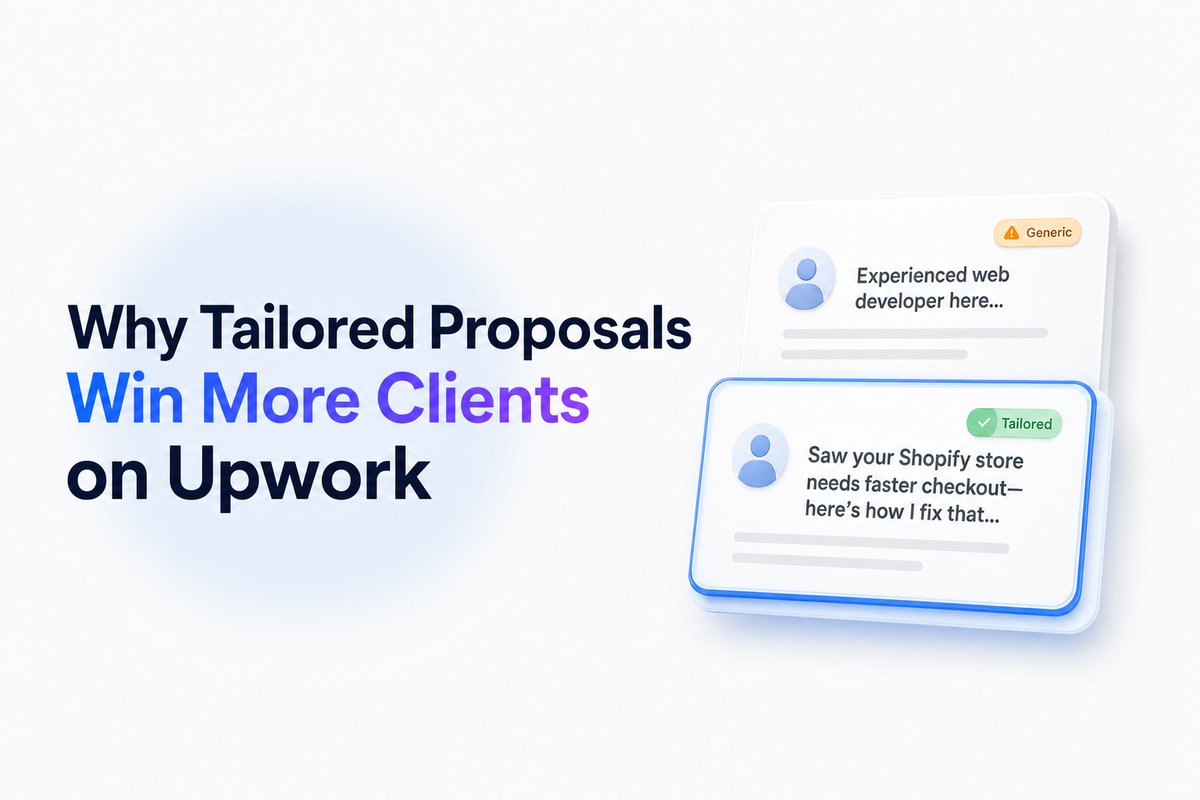
Clients see only the first couple of lines of your proposal before deciding whether to click. A generic intro—like listing your years of experience without context—doesn’t stand out in a crowded proposal list. Instead, reference a specific requirement or pain point from the job post right away. This shows you actually read their listing, instantly boosting the odds your proposal gets opened.
If you want examples of winning opening lines, check out How to write an Upwork proposal clients actually read (with examples).
Picking the right jobs: client habits and invisible filters
Even a great proposal won’t get noticed if the job is a poor fit or the client is unresponsive. Some postings attract dozens of applicants, only for the client to review none—or rely on Upwork’s AI sorting tools (like Uma) instead of reading every proposal. Others post jobs and never plan to hire. To avoid wasting Connects, check the client’s payment verification, hire rate, description clarity, and how many proposals are already in by the time you find it.
Using tools like WinOnUp lets you filter jobs by client quality, hire rate, payment status, and proposal count, all before you spend Connects or effort applying.
For tips on client research, read How to check an Upwork client before you apply: hire rate, spend and red flags.
Pricing, availability, and why some proposals get filtered out
Proposals with pricing far outside the client’s stated budget (too high or too low) are often skipped or filtered out entirely. Limited profile availability (or a slow response history, if visible) signals you may not be active, which can also push your proposal down the client’s list. Keep your rate realistic for the job, and make sure your profile status reflects when you’re ready to work.
If you’re unsure how to set your rate, our guide How to set your Upwork rate in 2026: hourly vs. fixed-price by experience level can help.
Tracking, insights, and realigning your strategy
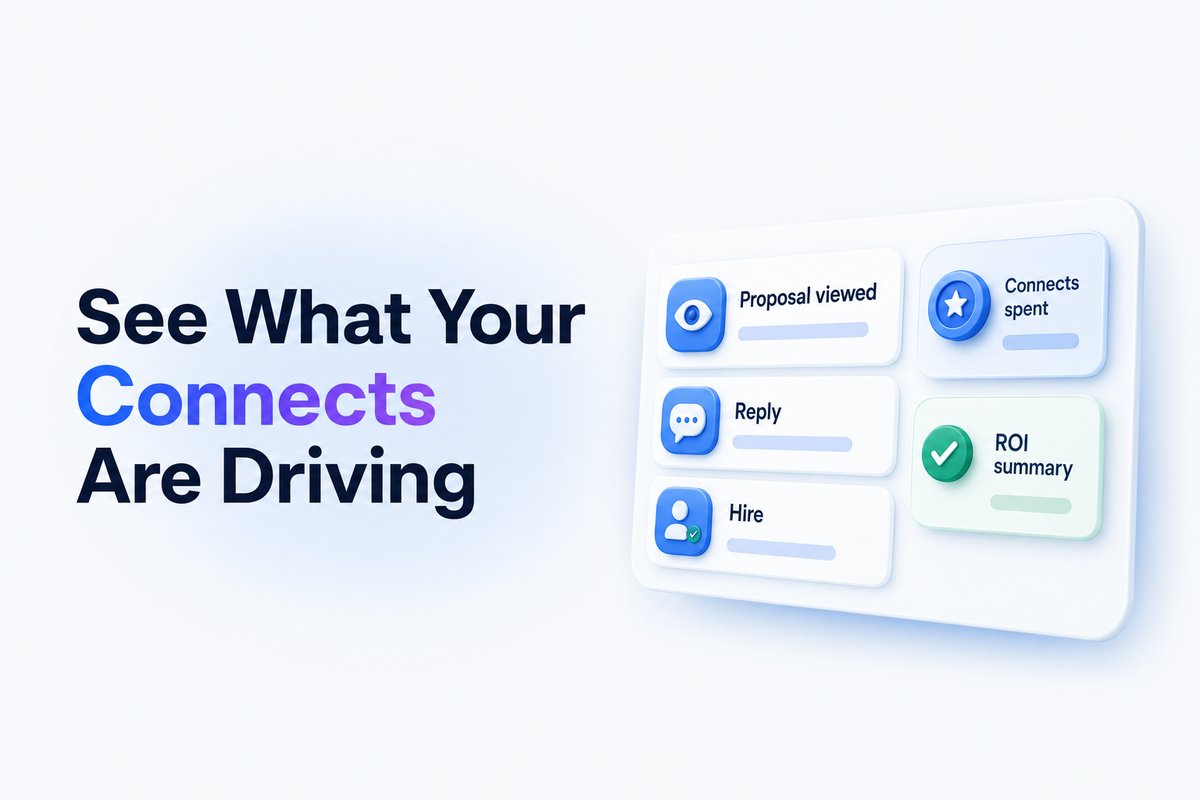
Consistently low view rates mean it’s time to audit your process, not just your writing. Track when you apply, note which job types get views, and look for performance clues. Tools like Upwork’s 'Proposal Insights' (with Freelancer Plus) can show you stats and benchmarks against competitors, but you can also track basic patterns yourself. WinOnUp shows Connects spent, cost per view/interview/hire, and which approaches return better results for you—helping you adapt quicker with real numbers.
Conclusion
If your Upwork proposals are not being viewed, timing, relevance, and clear targeting matter more than ever. Make your first lines count, target jobs that match your skills and price, and act quickly. Audit how you apply and whom you apply to—don’t just blame the proposal text itself.
Want to spot better jobs faster and track your Connects ROI? WinOnUp helps automate job discovery, alerts, and results tracking. Sign up with no card and see where your freelance effort is best spent.
Frequently asked questions
How soon should I apply to new Upwork jobs?
To maximize your chances of being seen, aim to apply within the first hour of a job posting. Clients are most likely to review proposals that arrive early, especially in busy categories.
Why do some Upwork proposals show 'not viewed' even if I get a reply?
Sometimes clients use Upwork’s summary and screening tools to shortlist candidates without opening each proposal individually. It's also possible the platform doesn't always update the view status accurately.
Is it worth boosting my proposal if I’m late to apply?
Boosting can push your proposal up in the list, but if too many have already applied or the client stops reviewing, your chances might still be low. Apply early and tailor your proposal first; consider boosting only for jobs that closely match your expertise.
What’s the best way to check if a job is worth applying to?
Look for verified payment, high hire rate, clear project details, recent posting time, and a manageable number of existing proposals. These signals mean it’s likelier the client will read your application.
Stop missing the Upwork jobs worth your Connects.
- New-job alerts every 60 seconds by email, Discord or Google Chat
- Client hire rate, spend and proposal count before you apply
- See what your Connects actually return
No card needed to sign up · 14-day free trial · Cancel anytime
Related guides
Learn Upwork proposal tips that help you choose better jobs, write client-focused openings, use real examples, and track views, replies, and interviews.
Learn how to quickly find good Upwork jobs by filtering for quality projects, trustworthy clients, and high return on your Connects in 2026.
Understand how the Upwork Job Success Score is calculated and learn practical steps to raise your score. Clear examples and useful tips for freelancers.